

Screenshots
About NoxPlayer
Run Android apps on your Windows PC with NoxPlayer, a fast and intuitive Android emulator that brings mobile gaming and applications to your desktop. Whether you want to play Clash of Clans, browse Instagram, enjoy Subway Surfers, or cook along with Kitchen Stories, NoxPlayer makes it all possible without leaving your computer.
Powered by Android 4.4.2, one of the most stable and widely-adopted versions of the Android operating system, NoxPlayer gives you access to virtually any app in the Android ecosystem. This proven foundation means you'll find excellent compatibility with thousands of games and applications, and you're not alone — millions of users worldwide already trust this version for its reliability and performance.
Customize your gaming experience with NoxPlayer's advanced control mapping system. Set up your keyboard controls in minutes with an intuitive interface that adapts to any game type. Whether you're playing action-packed shooters or strategy games, you can assign buttons exactly as you need them, creating a personalized control scheme that feels natural and responsive. Specialized configurations for shoot 'em ups and other genres are built right in, letting you play mobile games with the precision of a desktop setup.
Get instant access to a vast app catalog through the pre-installed Uptodown Market. Discover new applications, download them directly into your virtual machine, and receive automatic updates for all your installed apps — all without hunting across multiple sources. This seamless integration streamlines your experience and keeps everything current.
NoxPlayer transforms your Windows computer into a fully functional Android device. Run the apps you love, play demanding mobile games with enhanced controls, and access the entire world of Android software from your desktop. Experience mobile computing on your own terms with NoxPlayer.
Pros & Cons
Pros
- Run thousands of Android apps directly on your Windows PC
- Advanced keyboard control mapping customizes gameplay for each game
- Pre-installed Uptodown Market provides direct app access and automatic updates
- Built on Android 4.4.2, a proven stable and widely-compatible version
Cons
- Emulation performance heavily dependent on your PC's CPU, RAM, and GPU
- Android 4.4.2 is outdated; many modern apps require newer Android versions
- Requires significant disk space and system resources to run smoothly
- Limited to Android 4.4.2 ecosystem, excluding apps that need later OS features
Frequently asked questions about NoxPlayer
Is NoxPlayer safe to download?
A malware scan report for this version of NoxPlayer is not available on Unstore yet. Only install files from sources you trust and keep your device's security protection turned on.
What are the system requirements for NoxPlayer?
NoxPlayer runs on Windows. The download size is 727.8 MB.
What is the latest version of NoxPlayer?
The latest version of NoxPlayer on Unstore is 7.0.6.1. It was last updated on May 22, 2026.
Is NoxPlayer free?
Yes, NoxPlayer is free to download.
Who develops NoxPlayer?
NoxPlayer is developed by Bignox.
Related Apps

HWiNFO
Hardware monitoring for Windows—track CPU temp, GPU load, fan speed, voltage in real time.

TransMac
Read Mac drives and DMG files on Windows. Access APFS/HFS+ storage and create disk images.

Advanced SystemCare Free
System optimization tool: clean, repair, and secure your PC. Remove malware, fix errors, and boost performance.

Display Driver Uninstaller (DDU)
Driver uninstaller for GPU and audio — removes residual files for clean Windows updates

Glary Utilities
PC maintenance and optimization suite — clean, repair, and speed up your Windows computer in one action.

Universal ADB Drivers
ADB drivers for Android: Connect any smartphone to Windows PC without manufacturer software.
Latest Articles

Play a free Poly Bridge-style bridge builder in your browser (no download)
Nov 14, 2026

Play a free Balatro-style poker roguelike in your browser (no download)
Nov 14, 2026
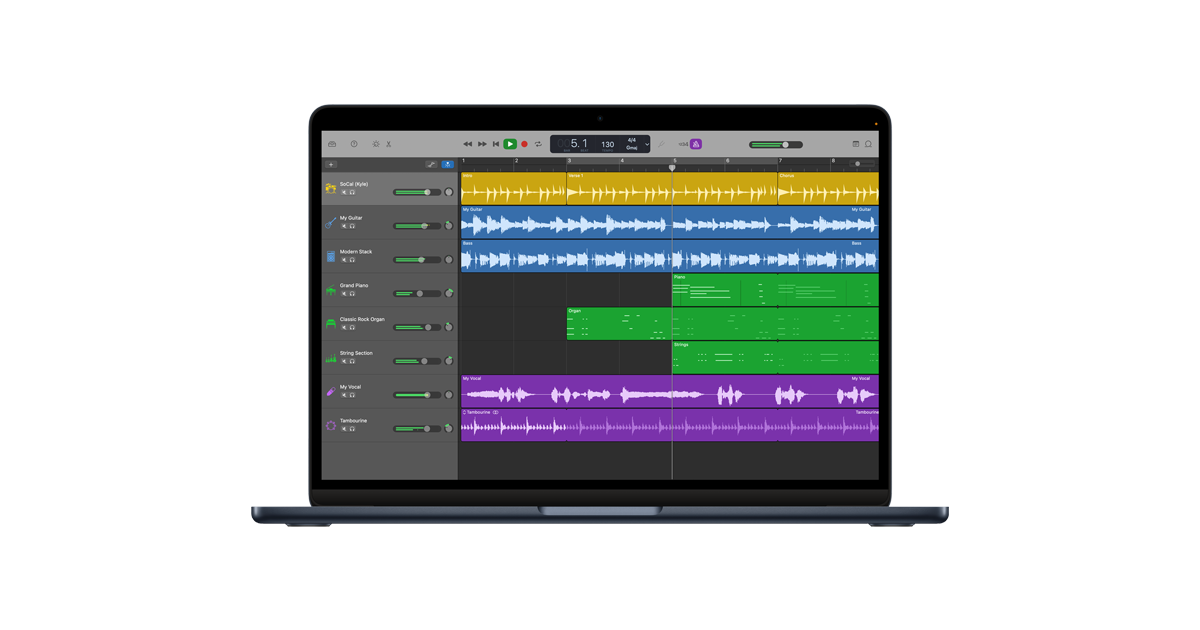
GarageBand for Android or Chromebook? A free music studio in your browser
Nov 14, 2026

FlipaClip for PC or Chromebook? We built a free animation maker that runs in your browser
Nov 14, 2026

Play a free Color Ball Sort Puzzle-style game in your browser (no download)
Oct 6, 2026